
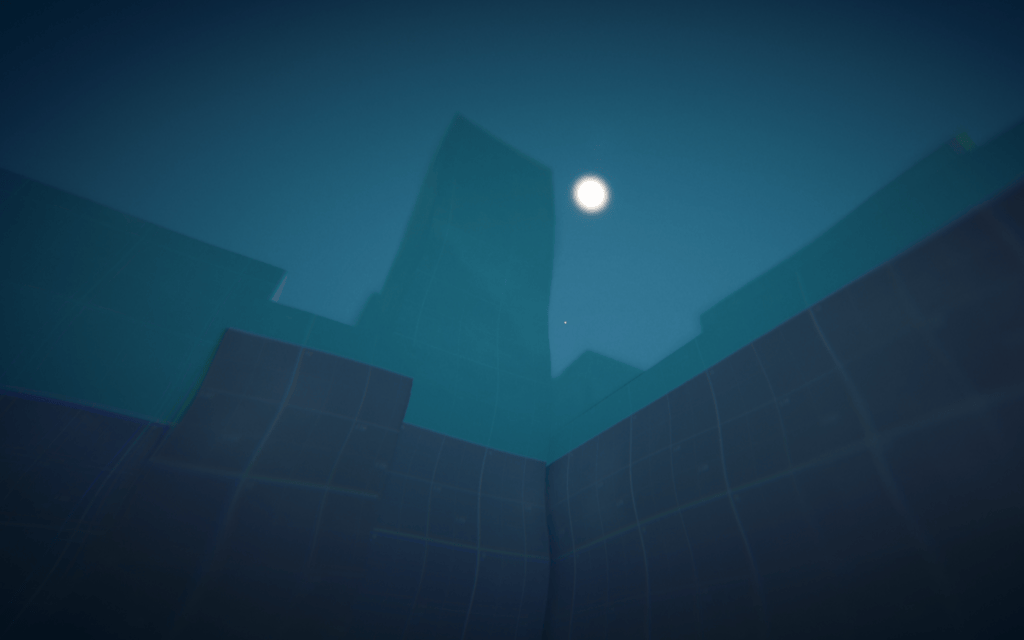
A big week. The sea is no longer a floor with painted waves: now you can jump in. On top of that, the character moves more smoothly and I have a new tool for designing the level.
You can swim

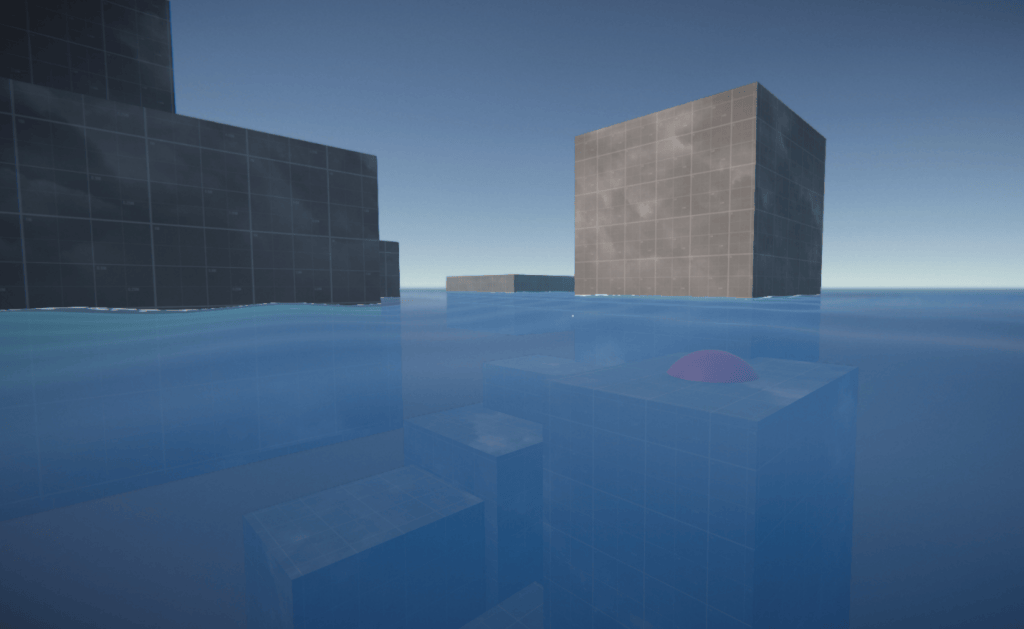
Until now the water in Level 1 was, in practice, a floor. Now it’s real water, and swimming works like in the original Refunct: simple, no tutorial needed.
- At the surface you move with WASD, crouch to dive and jump to get out.
- Underwater you move where you look, jump takes you up and crouch takes you down. If you don’t touch anything, you hold that depth.
- If you fall from high up, momentum sinks you a little and the water brakes you. A 10-metre fall leaves you about 3 metres below the surface, not 5 as in the first version, which felt too deep.
There was one important decision: you can only get out of the water by jumping onto a block. If there’s none in reach, you float. That way the water isn’t a shortcut to anywhere, it’s the gap between islands, and to get back you have to swim to a block that sticks out far enough (about 70 cm at most).
You can also touch blocks while swimming, so a half-submerged block counts just like one you stepped on. And buttons now only work once their block has finished rising: you can’t press a button that is still sleeping under the water.
What it looks like below
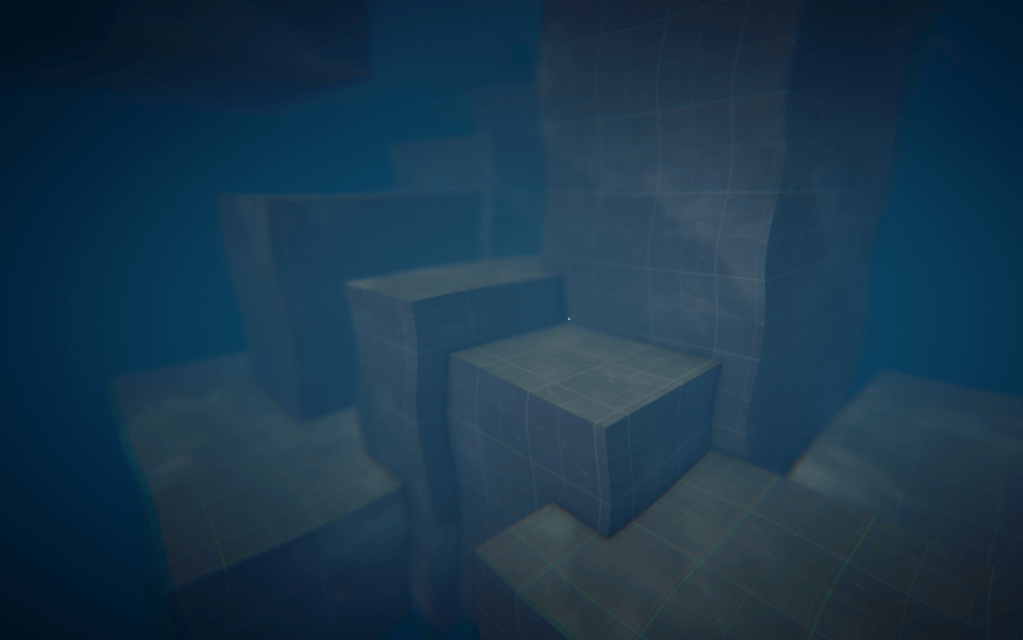
Putting your head under the water changes the picture completely: dense, dark fog, a bluish tint, a soft blur and, if you look up, the surface as a bright ceiling with the silhouettes of the blocks cut out against it. When you come up, it all disappears at once, like lifting your head out of the water.
Moving feels better
Three small tweaks that you really notice when playing:
- Landing has weight. When you fall from a certain height, the camera dips a little and springs back, as if you were bending your knees. The higher the fall, the deeper the dip. The first version seemed to happen in two beats (first you land, then it dips), so I measured the fall frame by frame and now it’s a single motion.
- Climbing is smoother. The mantle, the move that pulls you up onto a ledge, had a jolt at the start, another at the end and a little hop when it finished. Now it rises along a curve that slows down at the top and leaves you walking, no hops.
- Climbing at an angle. If you reached a ledge at an angle, the character snapped round to climb it head-on. Now it climbs in the direction you’re looking, up to a limit.
Along the way two bugs fell: while crouching you could instantly climb sky-high blocks, and if you crouched just before falling into the water you stayed crouched forever.

I also tried a jump pad that launches you much higher if you jump on it. I fixed a bug that let you use that boost later, anywhere else, but for now I’ve taken it out of the level.
A window for the groups

Designing the level is largely about sorting blocks into groups and deciding when each one rises. Until now I did it with a bar in the scene view and a couple of separate tools. Now there’s a window, Block Groups, that brings it all together: create groups, move blocks between them, save their poses, preview the rise and flag errors. It opens with the Q key or with a button next to Play.
As soon as I tried it, it told me something I didn’t know: in Level 1 there are three groups that no button makes appear.
Under the hood
- Swimming. A new state,
Swimming, inRefunctCharacterController. The playable water is a triggerBoxCollideron its own layer (Water); the water meshes no longer have colliders. The exit jump checks that there’s the top face of aBlockahead and in reach (jump apex plus the maximum mantle height). Braking falls is a new parameter,WaterDrag, which only acts above swimming speed. - Button contract. Every
Buttonhangs from aBlockand only responds once that block has risen. If it can’t find one, it logs an error and stays inert. Buttons are now a prefab. - Underwater effects. A fullscreen pass (
UnderwaterRendererFeature), a Volume with its own post-processing and a detector on the camera (UnderwaterEffects) that switches it on when crossing the surface. - Landing dip. It moves the
CameraFollowPointwith a damped spring, so it doesn’t affect the capsule or the physics. It starts on the first stable hit, one physics step beforeOnLanded, which was the source of the two-beat effect. - Mantle. The start position is taken on the first step, not inside
OnMovementHit, where it was still the pre-sweep position. The target now follows the look direction, capped byMantleMaxAngle, and the height is measured where it should be. - Jump pad. The controller no longer stores the boost on contact; each frame it checks whether what it stands on is a
JumpPad, and only keeps it through coyote time. - Block Groups window. It replaces the Scene View bar,
GroupIDEditor,ValidateBlocksTooland the colour palette. The pose and preview tools move out of theBlockGroupinspector, and a validator checks the contracts when entering Play. - Verification without tests. The project has no tests, so swimming was checked with scripts run in the editor through the Unity MCP: teleporting the character, injecting inputs and measuring heights frame by frame.
- Minor. The cursor no longer grows at 4K, post-processing and shadow tweaks, and a swimming light on the debug panel.
- Documentation. The game now has a GDD inside the docs, and the spatial parts (the water cross-section, the mantle and landing curves, the
Level 1floor plan) are drawn with Excalidraw instead of described.
What’s next
- Give groups 4, 5 and 6 of
Level 1a button that raises them and their underwater pose. - Start on the demo list: menu, music and sound effects, and an end screen.
- Set up
GymandLevel 2for the new system, or retire them, sinceLevel 1is now the reference scene.
See you next week.
Enjoyed this? Get every new devlog post in your inbox.